

Photographers
Cut-outs without the pen tool
Portraits, headshots and products: let the AI do the selection work so you can deliver faster and keep editing for the creative part.
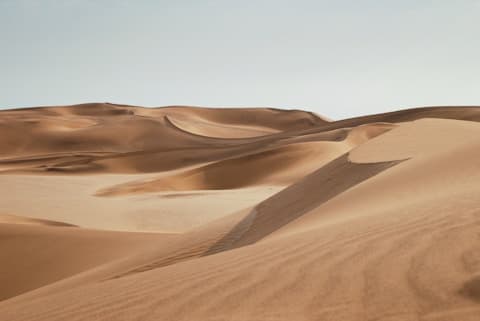
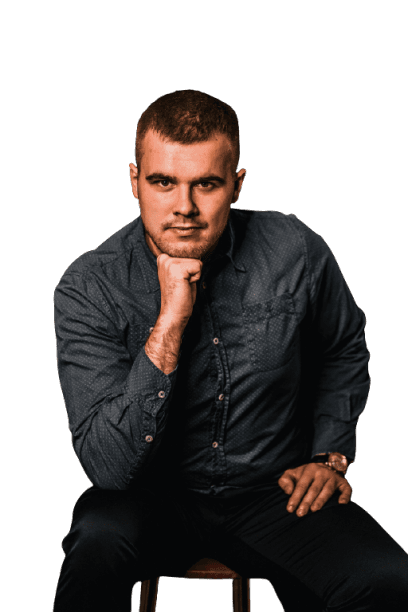 Background replaced
Built for photographers
Hair and edges handled
The model is trained on portraits and keeps hair and soft edges far better than a quick magic-wand selection.
New backdrops on demand
Shot on a grey wall but the client wanted blue? Swap in a colour, gradient or photo, or blur the original background for a shallow-depth look.
Full-resolution output
HD downloads keep every pixel of your original upload, ready for print or retouching in your usual editor.
How it works
- 1
Upload a photo
Drop any photo: JPG, PNG, WebP, HEIC (iPhone), AVIF, TIFF, GIF or BMP, up to 25 MB. You can also paste an image or image URL.
- 2
Background removed
The AI separates the subject in a few seconds. The preview is free.
- 3
Edit and download
Keep it transparent or add a colour, gradient, photo or blur, then download in HD with a credit.
Questions
- Does it reduce image quality?
- The free preview is reduced in size. The HD download returns the cut-out at your upload resolution.
- Can I refine the result in Photoshop afterwards?
- Yes. Download a transparent PNG and open it in any editor for further retouching.
- What happens to client photos I upload?
- They are processed only to remove the background and are deleted automatically after 24 hours.
Try it on one of your photos
Upload an image and see the background disappear in seconds. The preview is free.
Remove backgroundFree preview · no account needed
More use cases
- Car dealershipsGive every vehicle in your inventory the same clean, showroom-style backdrop.Learn more
- E-commerceWhite or transparent product photos that meet store guidelines.Learn more
- Marketplace sellersMake second-hand and resale listings stand out in a crowded feed.Learn more
- Marketing & socialCut-outs for ads, banners, thumbnails and social posts in seconds.Learn more
- Media & publishingIsolate people and objects for articles, covers and explainers.Learn more
- Profile picturesA polished headshot for LinkedIn, CVs and team pages.Learn more
- Graphic designersClean cut-outs to start your compositions from, in seconds.Learn more