

Marketing & social
Campaign visuals in minutes, not days
Pull people and products out of their photos and drop them onto on-brand colours for ads, social posts and thumbnails.
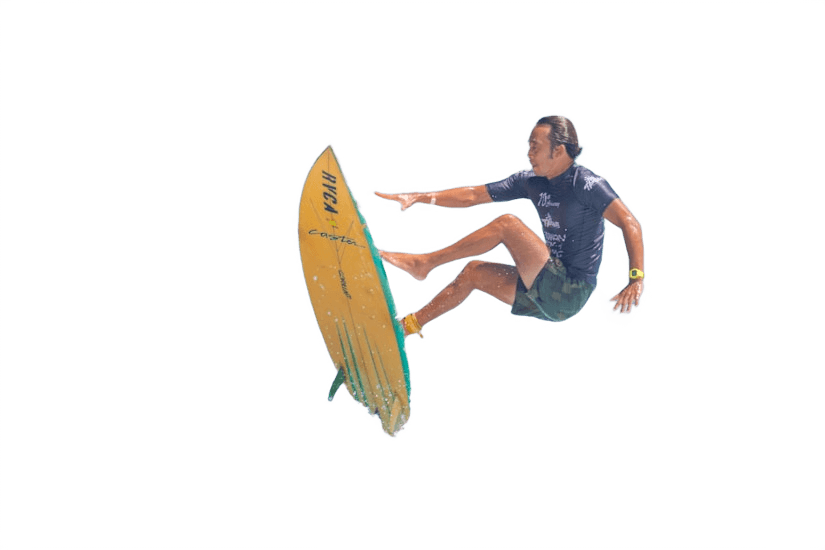 Background replaced
Built for marketing & social
On-brand backgrounds
Set an exact brand colour or gradient behind the subject so every visual in the campaign matches.
Thumbnails that pop
Place a cut-out face or product on a bold colour and add a headline with the text tool for video thumbnails and social posts.
No design hand-off needed
Quick variations without waiting for the design team: change the background, flip the subject or add a shadow and download.
How it works
- 1
Upload a photo
Drop any photo: JPG, PNG, WebP, HEIC (iPhone), AVIF, TIFF, GIF or BMP, up to 25 MB. You can also paste an image or image URL.
- 2
Background removed
The AI separates the subject in a few seconds. The preview is free.
- 3
Edit and download
Keep it transparent or add a colour, gradient, photo or blur, then download in HD with a credit.
Questions
- Can I add text to the image?
- Yes. The editor has draggable text layers, so you can add a headline or label before downloading.
- What sizes can I export?
- Downloads keep the proportions of your upload. The preview is free; the full-resolution file uses one HD credit.
- Is there an API for our tools?
- Not yet. ChangeBackground is a web app today.
Try it on one of your photos
Upload an image and see the background disappear in seconds. The preview is free.
Remove backgroundFree preview · no account needed
More use cases
- Car dealershipsGive every vehicle in your inventory the same clean, showroom-style backdrop.Learn more
- E-commerceWhite or transparent product photos that meet store guidelines.Learn more
- Marketplace sellersMake second-hand and resale listings stand out in a crowded feed.Learn more
- PhotographersSkip the masking and spend the time on the shoot instead.Learn more
- Media & publishingIsolate people and objects for articles, covers and explainers.Learn more
- Profile picturesA polished headshot for LinkedIn, CVs and team pages.Learn more
- Graphic designersClean cut-outs to start your compositions from, in seconds.Learn more